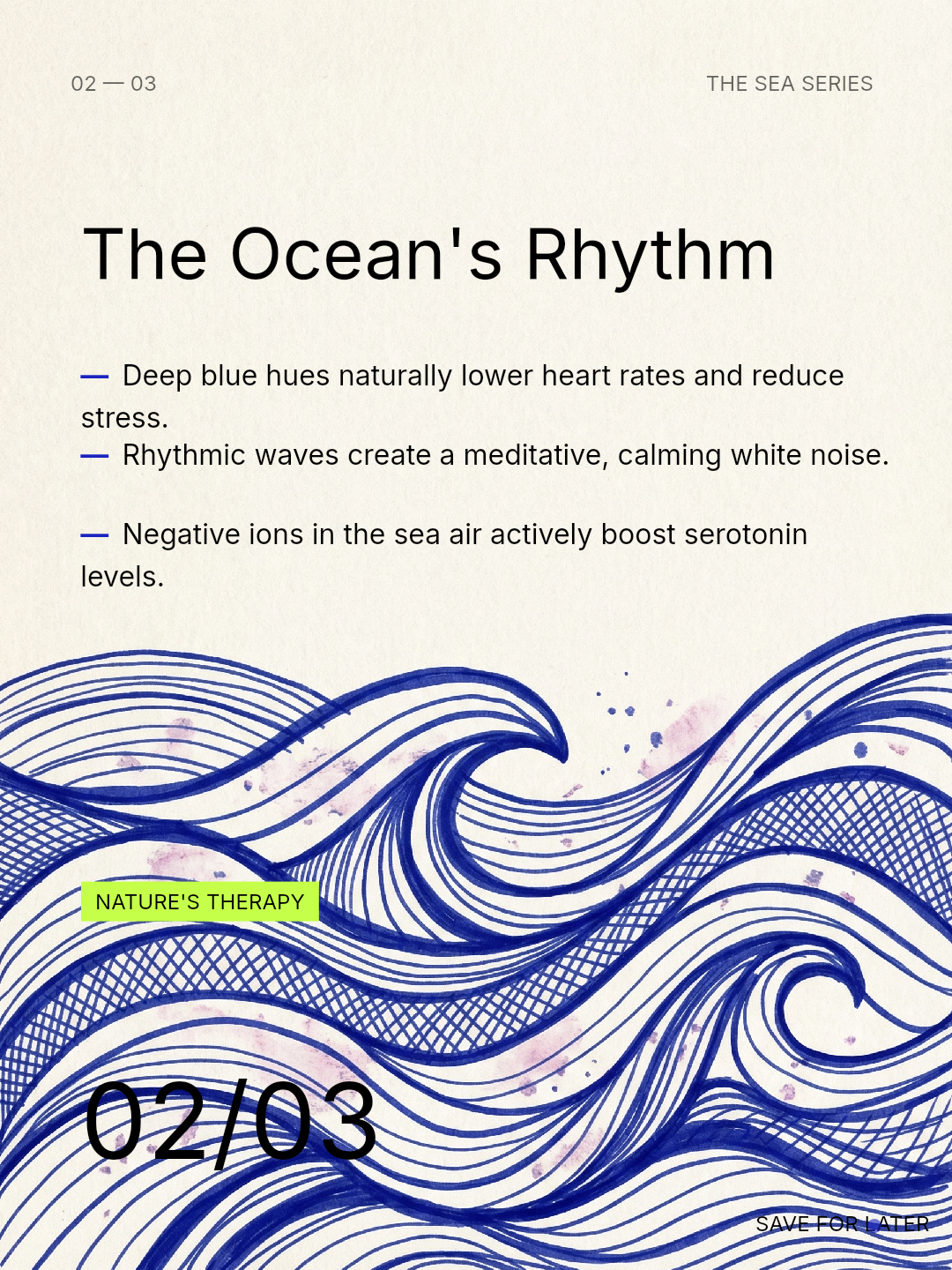
Educational carousels look editorial when the lesson feels easier to read, not harder to admire. That is the real distinction. Editorial quality does not come from making the slides more decorative. It comes from making the sequence feel paced, intentional, and composed enough that the teaching lands faster.
Many “educational” posts look like worksheets because every fact is given the same visual weight. The result is content that may be accurate but still feels flat or effortful to consume.
Editorial means hierarchy first
Editorial design helps the reader know where to look. A strong educational carousel uses a dominant headline, disciplined support copy, and enough white space that the eye can move without friction.
This is why premium-feeling carousels and editorial-feeling carousels often share the same foundations. Both depend on restraint, hierarchy, and purposeful pacing.
Teach one layer at a time
A common failure mode is stacking the lesson, the nuance, the explanation, and the CTA on the same slide. Editorial teaching spreads the logic across the sequence. Each slide handles one layer of understanding.
For example, slide one can frame the problem. Slide two can name the principle. Slide three can show what that principle looks like in practice. Slide four can close with a concise takeaway. This is how the content becomes easier to absorb without becoming simplistic.
Make supporting copy behave like supporting copy
In weak educational design, every paragraph competes like a headline. Editorial design keeps support copy subordinate. That means shorter line lengths, clearer separation from the title, and a visible difference in scale and emphasis.
When support copy is treated carefully, the lesson feels more confident because the audience can tell what is primary and what is explanatory.
Use visuals to organize, not to distract
Editorial visuals are useful when they clarify the world of the content. They create atmosphere, pacing, and structure, but they do not steal attention from the lesson itself. If the image treatment makes the post harder to read, it is not editorial. It is just decorative.
This also connects to designing carousels for saves. Educational posts perform better when the design makes the lesson feel reference-worthy instead of noisy.
A useful editorial checklist
- Can the audience identify the main takeaway within seconds?
- Does each slide introduce one clear layer of the lesson?
- Is the support copy short enough to read without effort?
- Do the visuals support the lesson rather than compete with it?
- Does the whole sequence feel paced like a story, not stacked like a document?
FAQ
Does editorial always mean minimal?
No. Editorial means purposeful. The visuals can still be expressive as long as they support the reading experience.
What is the fastest way to make an educational post feel more editorial?
Cut the amount of visible information on each slide, strengthen the hierarchy, and make the sequence do more of the teaching instead of forcing one slide to carry everything.
Final takeaway
Educational carousels feel editorial when they teach with structure, hierarchy, and composure. The audience should feel guided through the lesson, not buried under it.
Leya helps that happen by making the sequence easier to pace, the design easier to control, and the lesson easier to package in a coherent visual world.